Home Resources AI 3D generators
Meshy
Textured 3D models from text or images
- Best for
- Indie developers who want quick textured props and characters, with rigging and animation in the same tool
- Makes
- Textured 3D models, rigged and animated characters, AI textures for existing meshes
- Made by
- Meshy (MESHY LLC)
- Where you use it
- Web, iOS, Android
- Engines
- Unity, Unreal Engine, Blender, Roblox
- Pricing
- Free plan with 100 credits a month; paid plans from $20/month billed monthly (US pricing page, as of October 2026)
- Free plan
- Yes
- Open source
- No
- Export
- Text-to-3D and image-to-3D models download as FBX, OBJ, USDZ, GLB, STL and .blend; free-plan downloads are capped at 10 a month
- Status
- Available
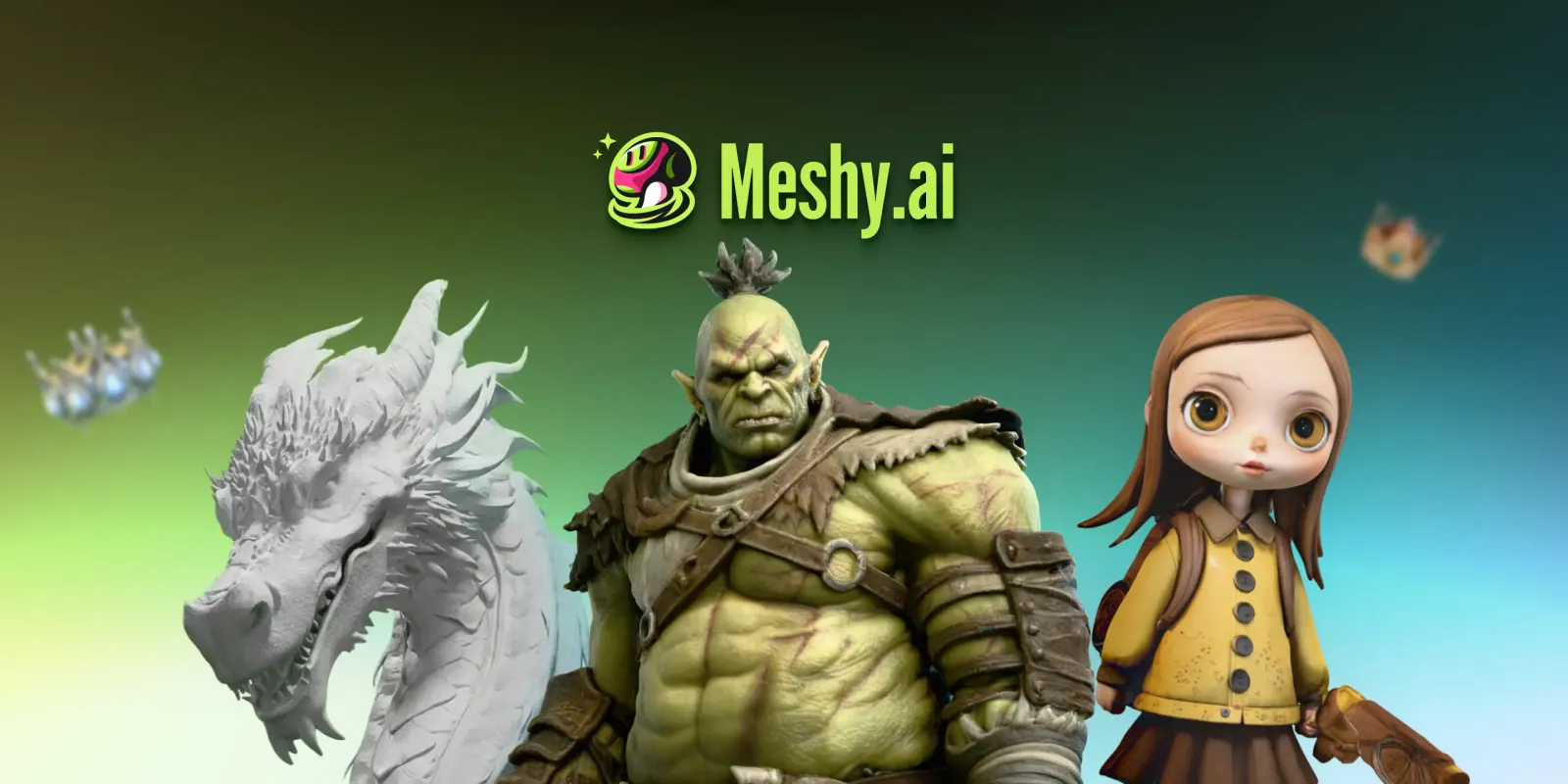
Meshy is a web-based AI 3D model generator that turns a text prompt or an image into a textured mesh. Beyond generation, its homepage lists AI texturing for models you upload, auto-rigging for humanoid and four-legged characters, and a library of more than 600 motion presets. Meshy also has iOS and Android apps.
For game developers, the main draw is its links to existing tools. Meshy lists plugins for Unity, Unreal Engine and Blender, a Roblox Bridge that uploads models to a Roblox Creator Hub inventory, an API, and an MCP server that lets coding agents such as Claude Code, Cursor and Codex request models directly. AIGamer's vibe coding guide notes that the developer of Mowtopia used Meshy for that game's 3D models.
Pricing is credit-based. As of October 2026, Meshy's US pricing page lists a free plan with 100 credits a month and individual plans billed monthly at $20 (Pro, 1,000 credits), $40 (Premium, 3,000) and $100 (Ultra, 8,000). The Studio team plan costs $70 a month for a shared pool of 5,500 credits, with seats at $10 a month each. Downloads come in FBX, OBJ, USDZ, GLB, STL and .blend, according to the pricing page FAQ.
The free plan suits testing more than production: it caps downloads at 10 a month, limits them to Meshy 6 Lite models and licenses output under CC BY 4.0, which requires attribution. Paid plans list assets as private and customer-owned. AIGamer hasn't tested Meshy.
Plans and pricing
| Plan | Price | What you get |
|---|---|---|
| Free | Free | 100 credits a month (up to 10 assets), 10 downloads a month limited to Meshy 6 Lite, CC BY 4.0 license |
| Pro | $20/month | 1,000 credits a month (up to 100 assets), unlimited downloads, private assets |
| Premium | $40/month | 3,000 credits a month (up to 300 assets) |
| Studio | $70/month | Team plan: 5,500 credits a month shared across the team (up to 550 assets); seats listed at $10/month each |
| Ultra | $100/month | 8,000 credits a month (up to 800 assets), highest queue priority |
| Enterprise | Custom | Contact sales |
From Meshy's own pricing page, checked 29 October 2026. Prices change; check before you buy.
Limitation: Free-plan models are released under CC BY 4.0, so commercial use needs attribution, and the free plan allows only 10 downloads a month, limited to Meshy 6 Lite models.
FAQ
Is Meshy free?
Yes, there's a free plan with 100 credits a month, but it allows only 10 downloads a month (Meshy 6 Lite models only) and output is licensed CC BY 4.0. Paid plans start at $20 a month billed monthly, according to Meshy's US pricing page in October 2026.
Can I use Meshy models commercially in my game?
Meshy's pricing page says free-plan models are licensed under CC BY 4.0, which allows commercial use with attribution. Paid-plan assets are listed as private and customer-owned.
What file formats does Meshy export?
Meshy's FAQ lists FBX, OBJ, USDZ, GLB, STL and .blend for text-to-3D and image-to-3D downloads.
Does Meshy work with Unity, Unreal or Roblox?
Meshy's homepage lists plugins for Unity, Unreal Engine and Blender plus an MCP server for AI agents. For Roblox, its Roblox Bridge uploads models to your Roblox Creator Hub inventory rather than running inside Roblox Studio.
Sources
Compiled by AIGamer from Meshy's own pages and the sources below, checked 29 October 2026. We haven't tested Meshy hands-on.
- Meshy: Pricing
- Meshy: Homepage
- AIGamer: Vibe coding games guide
- Meshy: Roblox Bridge
- Meshy: Meshy App
Image: Meshy
Written in our own words; quotes are marked and credited. How we report